Software Engineering
Master essential skills for your dream career
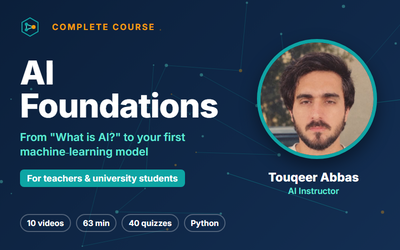
AI Foundations for Teachers and University Students

PHP Object-Oriented Programming — Complete Course
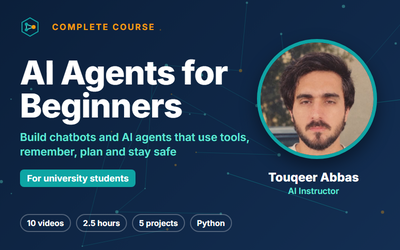
AI Agents for Beginners: Build Chatbots and AI Agents with Python
Software Trainings
Master essential skills for your dream career
Engineering
Master essential skills for your dream career
Course Planning
Master essential skills for your dream career
SAP Trainings
Master essential skills for your dream career
AI Training Courses
Master essential skills for your dream career
Mobile App Development
Master essential skills for your dream career
Faqs
Click Sign Up at the top of any page.
Enter your name, email address and a password.
Check your email for a verification code if one is sent, then sign in. Creating an account is free.
Open the course page and click Enroll Now for a free course, or Buy Now / Add to Cart for a paid course.
After enrolment or payment, the course appears under My Courses and you can start learning right away.
You can pay with any of the payment options shown at checkout.
The price is always shown on the course page before you pay, and you receive an invoice in your account after a successful payment.
Each course page shows its access period under Expiry period.
Most courses give lifetime access. If a course has a limited period, it is shown in months before you buy.
Many courses include a certificate of completion. The course page shows Certificate: Yes when one is available.
Finish all lessons and quizzes, and your certificate becomes available to download from the course.
Yes. Learneva works in any modern web browser on a computer, phone or tablet.
Your progress is saved to your account, so you can switch devices at any time.
If a course is not right for you, you can ask for a refund within the refund period.
Read our Refund Policy for the full rules and email info@learneva.com with your course name and order details.
Click Teach in the top menu and send an instructor application.
Once it is approved, you can create courses, upload lessons and quizzes and share your knowledge with learners.
Use the form on our Contact Us page or email info@learneva.com.
Please include your account email and, if you have a problem, a short description or screenshot. We reply as soon as possible.